Barcode Inventory Systems for SMBs: A Complete Guide
WareOS Team ·

Why Your SMB Needs a Barcode Inventory System
Manual inventory tracking is error-prone and time-consuming. For small and mid-size businesses (SMBs), switching to a barcode inventory system can dramatically improve accuracy and efficiency. By scanning barcodes instead of typing numbers, you reduce human error, speed up stocktaking, and get real-time visibility into your inventory.
WareOS offers integrated barcode workflows that make it easy to implement barcode scanning in your warehouse. Learn how to overcome common inventory challenges with the right tools.
How Barcode Scanning Works in Warehouse Management
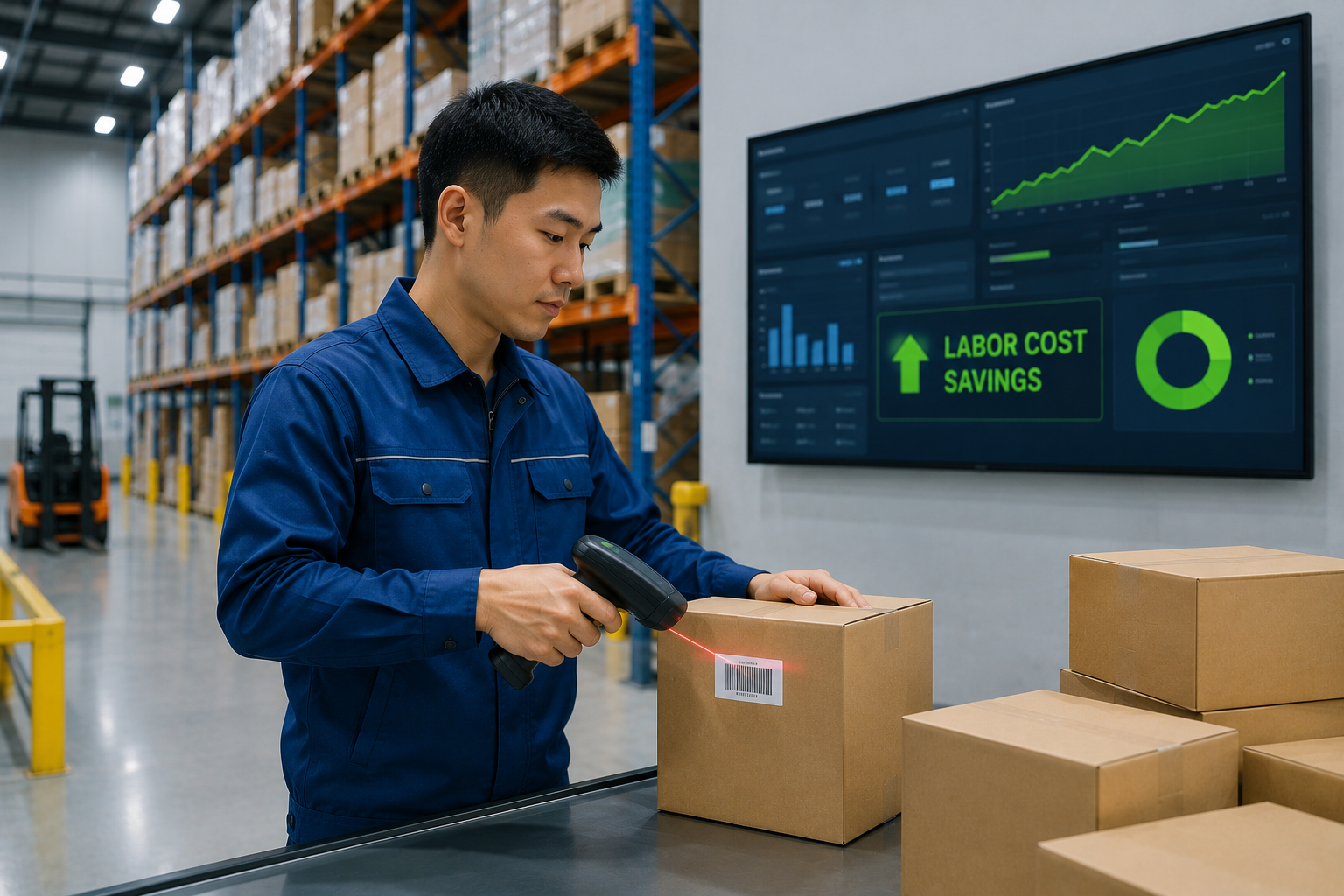
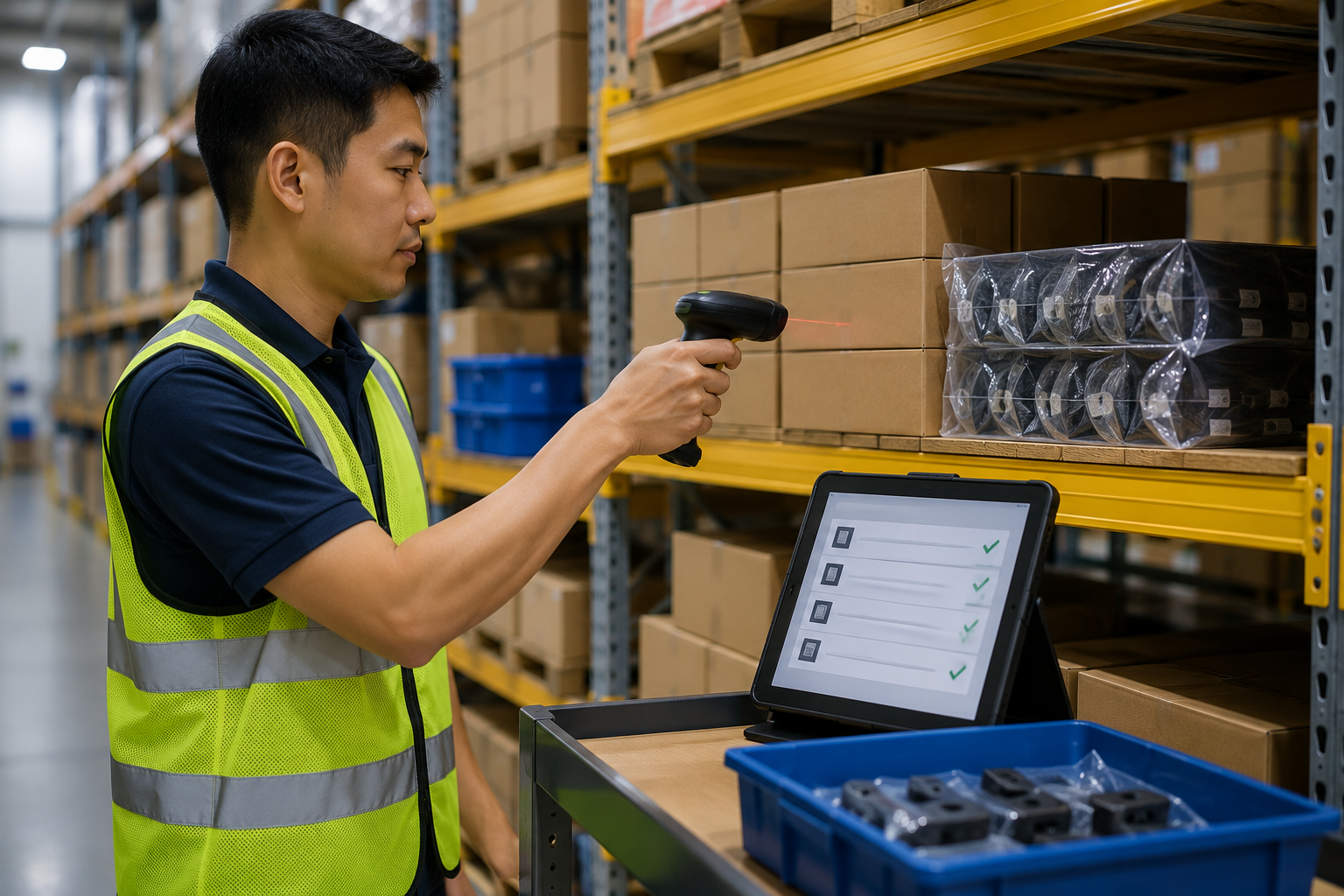
A barcode inventory system uses barcode labels on products, bins, or locations. When you scan a barcode with a handheld scanner or mobile device, the system instantly updates your inventory records. This enables fast and error-free receiving, putaway, picking, shipping, and cycle counting.
- Receiving: Scan incoming items to automatically update stock levels and match purchase orders.
- Putaway: Scan product and location barcodes to ensure items are stored in the correct bin.
- Picking: Guide pickers with scan confirmation to eliminate picking errors.
- Shipping: Verify orders before dispatch by scanning each item.
- Cycle Counting: Scan items during counts to reconcile inventory without downtime.
Key Benefits for SMBs
Implementing barcode scanning offers several advantages tailored to SMBs:
- Error Reduction: Barcode scanning is 100x more accurate than manual data entry, reducing costly mistakes.
- Time Savings: Speed up inventory processes by 50% or more, freeing staff for higher-value tasks.
- Real-Time Visibility: Know exactly what you have and where it is, enabling better purchasing and sales decisions.
- Cost Efficiency: Lower labor costs and reduce inventory shrinkage, improving your bottom line.
Implementing Barcode Scanning in Your Warehouse
Getting started with barcode inventory management is straightforward. Follow these steps:
- Choose the right software: Select a cloud-based platform like WareOS that supports barcode scanning on mobile devices.
- Print barcode labels: Generate and print labels for all products and storage locations. Use durable labels for high-traffic areas.
- Equip your team: Use smartphones or dedicated barcode scanners. WareOS works with any device with a camera.
- Train employees: Provide hands-on training on scanning workflows and best practices.
- Start with a pilot: Test the system in one area before rolling out warehouse-wide.
For more details on common pitfalls and solutions, read our guide on inventory management challenges SMBs face.
Choosing the Right Barcode Technology
Not all barcode systems are equal. Consider these factors:
- 1D vs 2D barcodes: 2D codes (like QR) can hold more data and are scannable from any angle.
- Scanner type: Bluetooth ring scanners offer hands-free operation; camera-based scanning is cost-effective and flexible.
- Integration: Ensure your software integrates with your existing accounting or e-commerce platforms.
WareOS supports both 1D and 2D barcodes and works with popular scanner hardware.
Best Practices for Barcode Inventory Management
Maximize the ROI of your barcode system with these tips:
- Standardize labeling: Use consistent label sizes and placement to ensure quick scanning.
- Validate scans: Require confirmation for critical operations like receiving and shipping.
- Regular audits: Perform cycle counts to keep data accurate and identify issues early.
- Train continuously: Provide ongoing training for new employees and refreshers for existing staff.
Common Mistakes to Avoid
Avoid these pitfalls when implementing barcode scanning:
- Skipping location labels: Without bin barcodes, you lose the efficiency of directed putaway and picking.
- Poor label quality: Faded or damaged labels slow down scanning and cause errors.
- Inadequate training: Staff may resist the new system if they don't understand its benefits.
- Neglecting system integration: A standalone barcode system that doesn't sync with your inventory software creates data silos.
The Future of Barcode Inventory Systems
Barcode technology continues to evolve. Mobile-first cloud platforms like WareOS are making enterprise-grade barcode features accessible to SMBs. With built-in purchasing, invoicing, and reporting, you can manage your entire inventory lifecycle from one system.
Ready to transform your warehouse operations? Explore how WareOS can help you implement a barcode inventory system tailored to your business needs.